

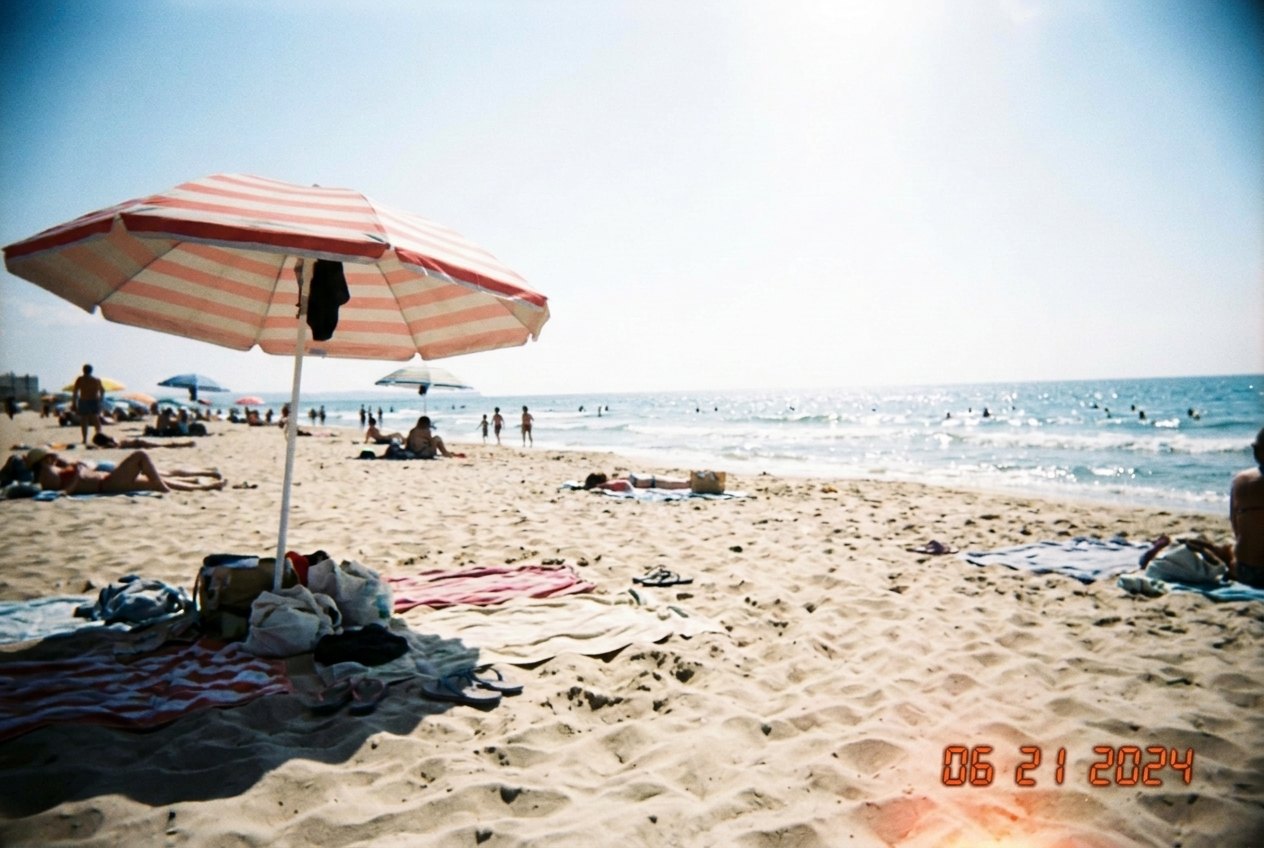
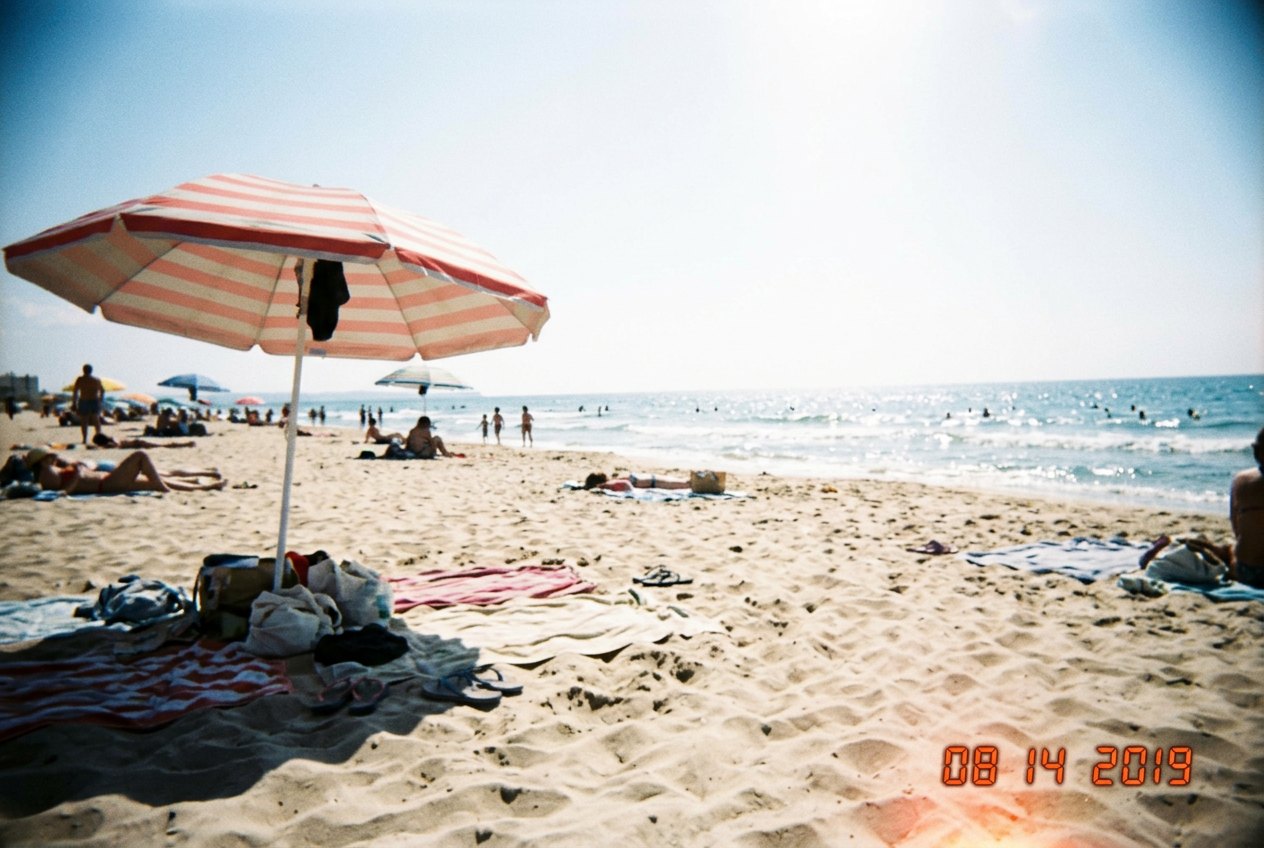
 OriginalEdited
Camera date stamp
The orange "08 14 2019" stamp became "06 21 2024" in the same seven-segment camera font.
Photo date changer
Mark the date that is visible in your photo, type the new one, and the AI redraws it in the same style, from orange camera date stamps to printed poster dates.
Try a sample
OriginalEditedDrag the handle to compare.
Old point-and-shoot cameras burned the date into the picture, and posters, flyers and notes print dates too. This photo date changer edits the date you can see in the image: mark it, write the new date, and the AI rewrites the digits in the same color, font and glow.
It changes the visible date only. To change the date a file was taken or created, edit its EXIF metadata in your photo app instead. Do not change dates on documents, tickets or records to mislead anyone.
Upload a JPG, PNG or WebP with a date you can see in the picture.
Draw a box around the date stamp or the printed date line.
Write the new date in the same format, apply, and download the photo.
OriginalEditedThe orange "08 14 2019" stamp became "06 21 2024" in the same seven-segment camera font.

 OriginalEdited
"JULY 12 · 8 PM" became "AUG 23 · 7 PM" on a poster photographed at an angle.
No. It edits the date printed in the image. The file’s metadata is not part of the edit.
Yes: write "Remove @Area 1 and repair the background", or open the remove text from image tool.
No. Changing dates on documents, tickets, receipts or records to mislead anyone is not allowed, and such requests are refused.