

 OriginalEdited
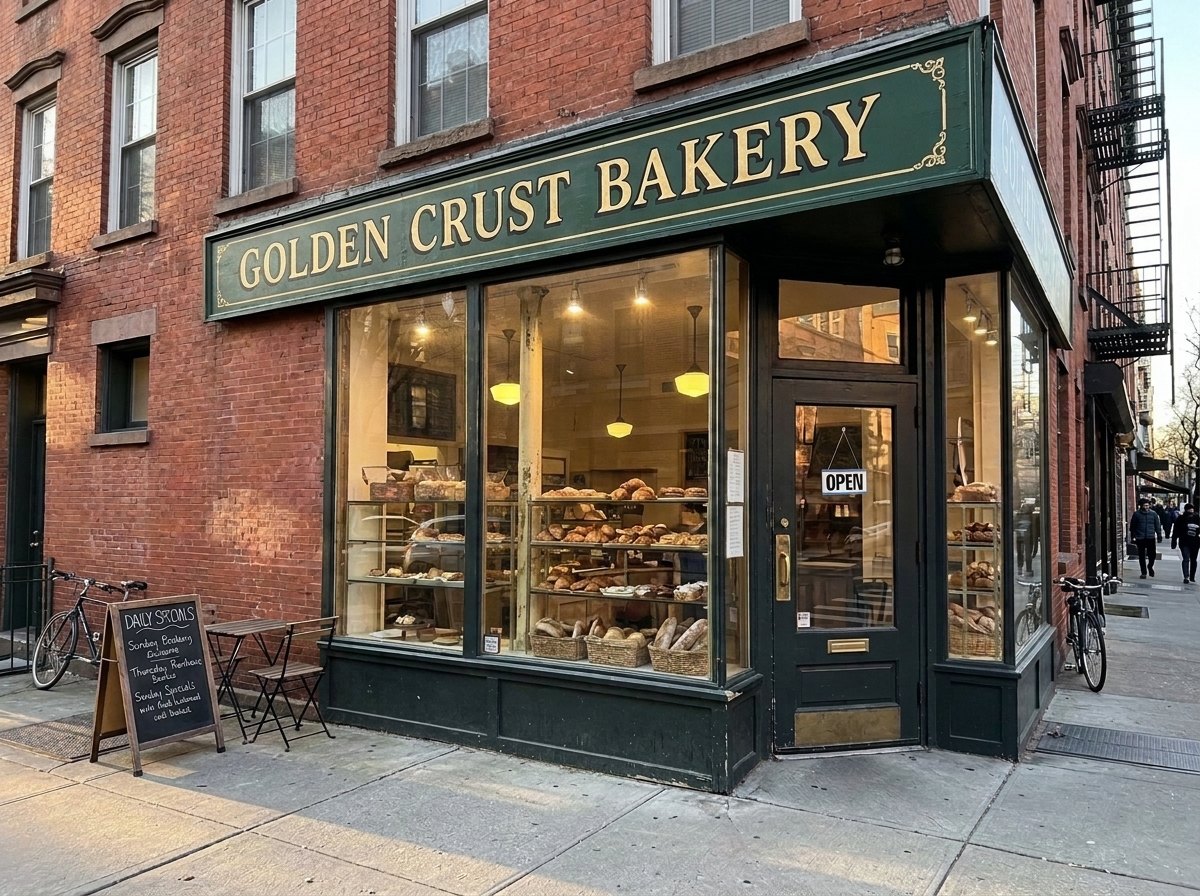
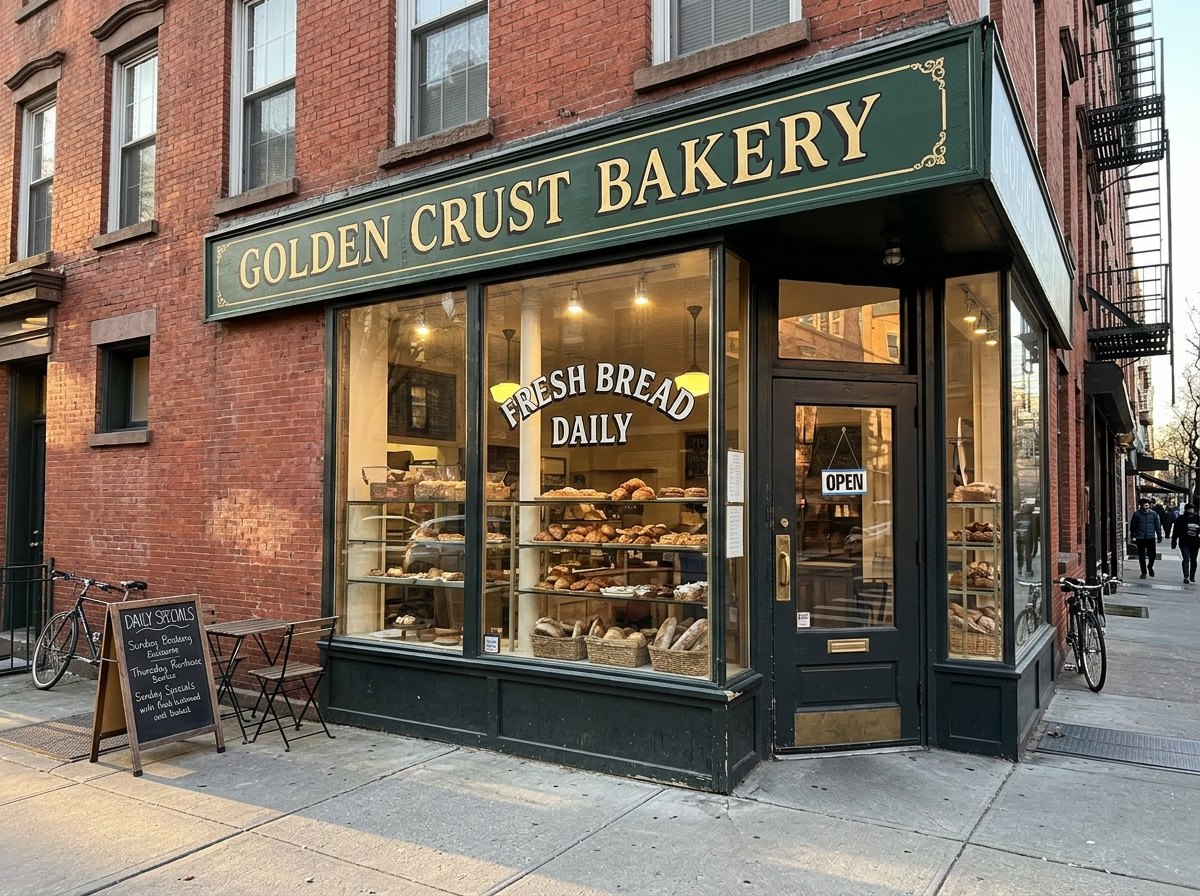
Window decal removed
The "FRESH BREAD DAILY" decal was removed and the bakery interior behind the glass was rebuilt.
AI text remover
Mark the words, captions or labels you want gone and the AI removes text from your photo, then fills the background so nobody can tell it was there.
Try a sample
OriginalEditedDrag the handle to compare.
This AI text remover deletes words from finished pictures. Box or brush over a caption, a sticker, a price tag, a date or a line of copy, and the model removes the text from the image and paints in what should be behind it: the wall, the sky, the shelf or the plain background.
Use it to remove text from a photo before you reuse it, clean a product image for a new listing, or clear an old title off a poster. Unlike a blur, the text is really gone, not hidden.
Upload a JPG, PNG or WebP, or paste a screenshot with Ctrl+V / Cmd+V.
Cover every letter with Box Select or Brush Select. Mark several areas if the words are spread out.
Keep the request "Remove @Area 1 and repair the background", apply, and download the clean image.
OriginalEditedThe "FRESH BREAD DAILY" decal was removed and the bakery interior behind the glass was rebuilt.
New accounts get free credits for a first edit. After that, each removal costs credits by model; the editor shows the cost before you apply.
Yes. The model rebuilds patterns, textures and objects behind the text. For very detailed scenes, mark smaller areas and run them one by one.
No. The tool is for removing your own captions, labels and text. Please do not use it to strip watermarks, signatures or credits from other people’s work.
Outside the marked areas the photo stays the same as far as possible. The edited image keeps the shape of your upload and comes back at about 1K resolution.